Your CRM should be easy.
JobTools is the AI-native CRM you can talk to.
Scan your notes, talk through your clients, send visual proposals, organize your calendar, take payments and more. Your clients, leads and proposals are free.
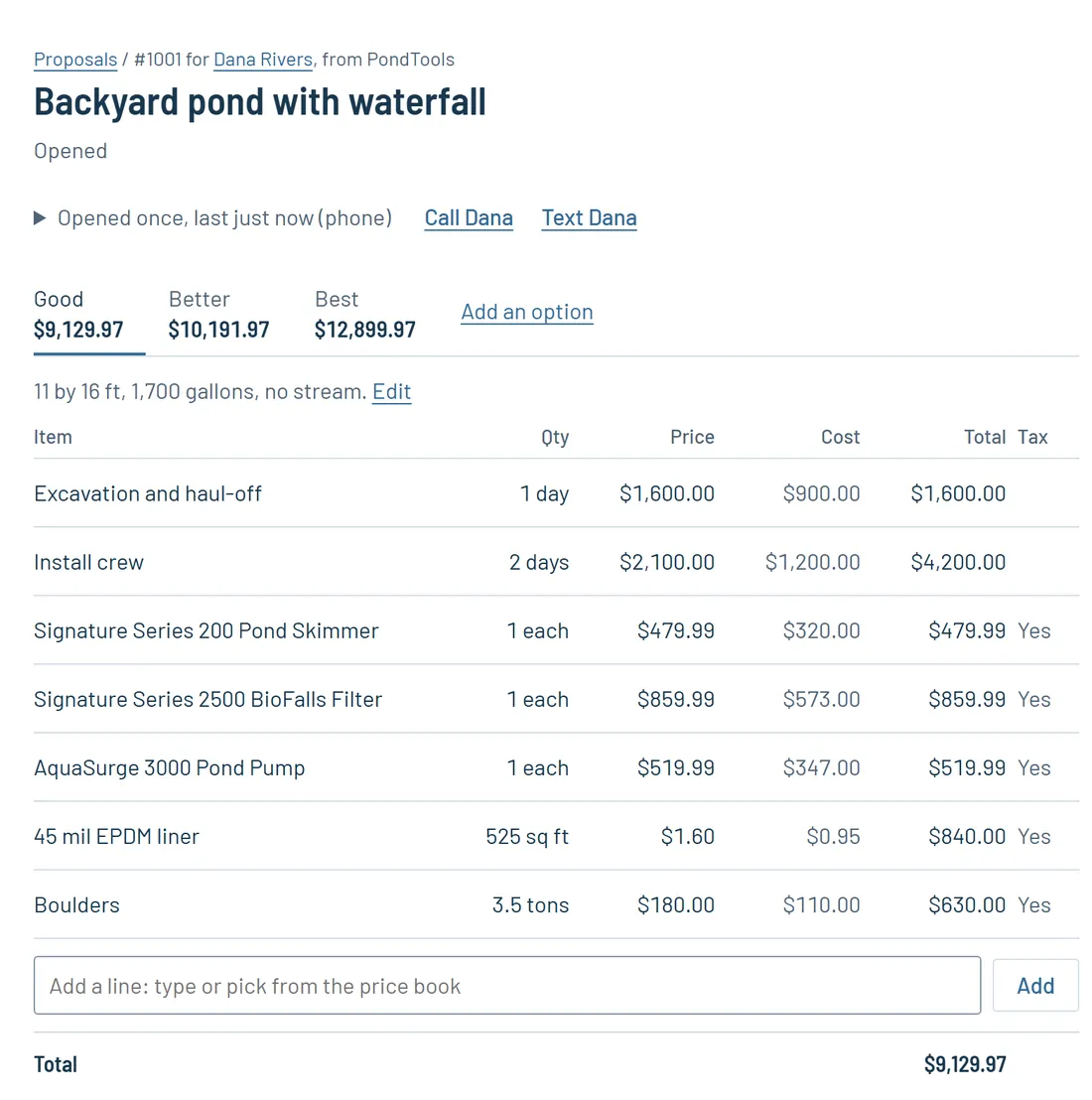

What it does
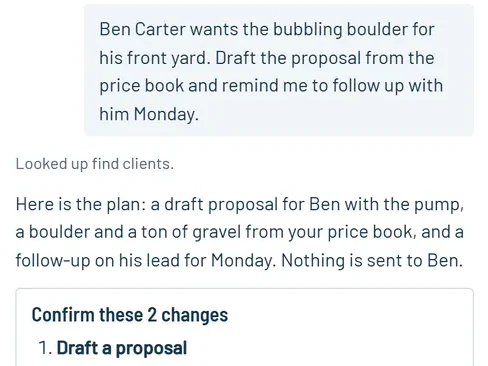
Talk to it
Say or type what you want. JobTools lists every change and waits for you to press Confirm.

Scan your notes
Take a photo of your handwritten notes and JobTools types them onto the lead, ready for the proposal.
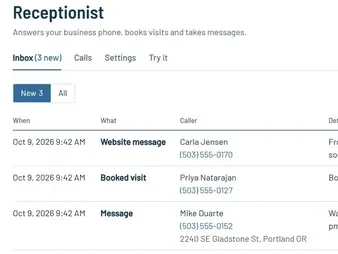
Website and phone leads
Your website's quote form sends leads straight in, and the AI receptionist answers your phone and books visits.
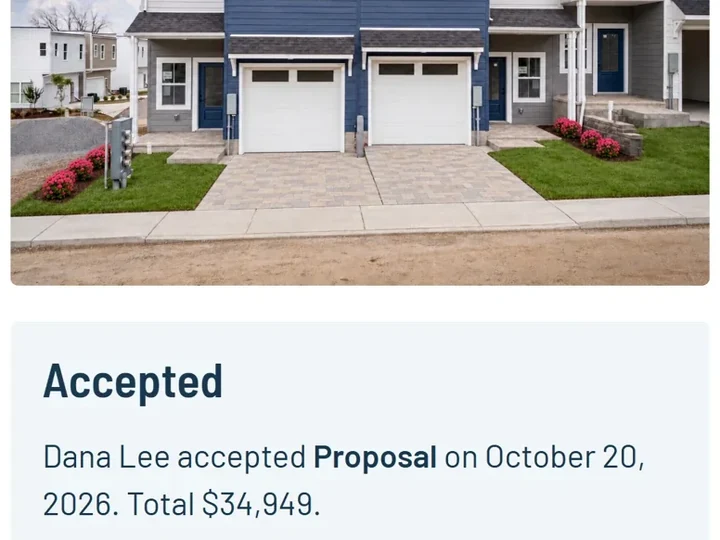
Visual proposals
Good, better and best options with a picture and video of the finished job, signed on the client's phone.
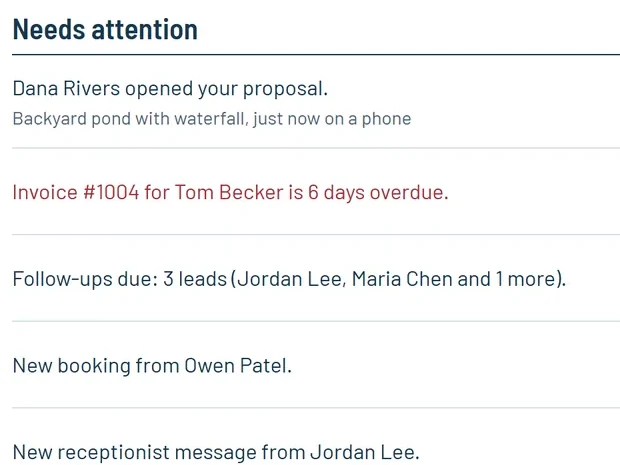
Know when they open it
JobTools emails you the moment a client opens your proposal, so you can call while they're reading.
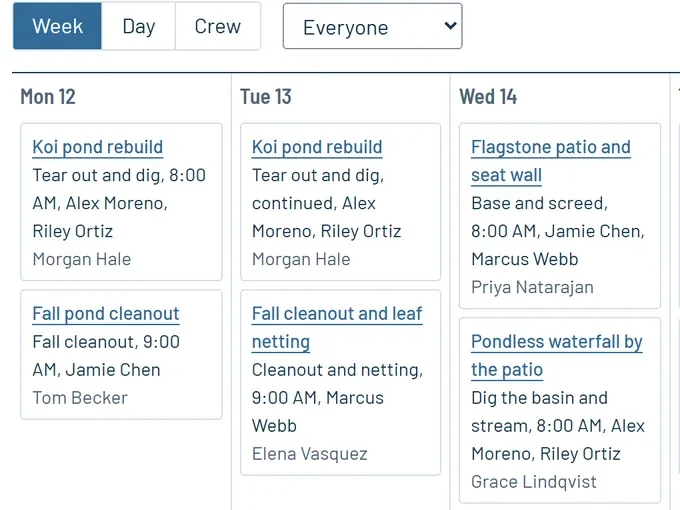
Schedule and crew app Pro
Drag visits around the week. Your crew sees their day, checklists and photos on their phones.
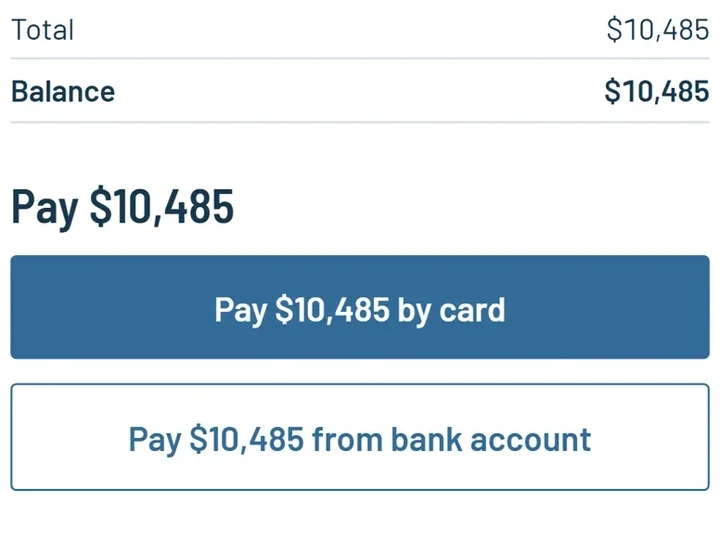
Invoices and payments
Clients pay by card or bank transfer, starting with the deposit when they sign.
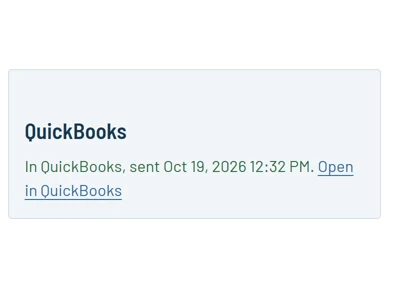
QuickBooks and CompanyCam Pro
Invoices and payments go to QuickBooks, and job photos come in from CompanyCam.
Also a price book, online booking, reminders, a page for each client, imports from Jobber, Salesforce or a spreadsheet, and proposals from the design tools.
JobTools by trade
Questions about JobTools
- Can my crew use it on their phones?
- Yes. Each crew member gets their own login and sees their visits, checklists, photos, notes and time clock in the phone's browser. There is nothing to install, and it keeps working with bad signal.
- Can I bring my customers over?
- Yes. Import them from a spreadsheet, a Jobber export, a Salesforce export or your CompanyCam projects. Importing the same file twice adds nothing twice.
- How do I get paid?
- Clients pay invoices by card or bank transfer (ACH), straight into your own Stripe account, or you record checks and cash. JobTools keeps track of what is still owed and can send it all to QuickBooks.
- Does it work with the design tools?
- Yes. Publish a proposal in PondTools, PoolTools, RoofTools, LawnTools, WindowTools or ClosetTools and it shows up in JobTools as a draft with its pictures, and you're told when the client opens it.