Roofing estimating software that starts from the address
Type the address and RoofTools measures the roof from public LiDAR: the pitch, direction and sloped area of every plane, the squares and the edge lengths. JobTools then carries the job from the proposal to the paid invoice.
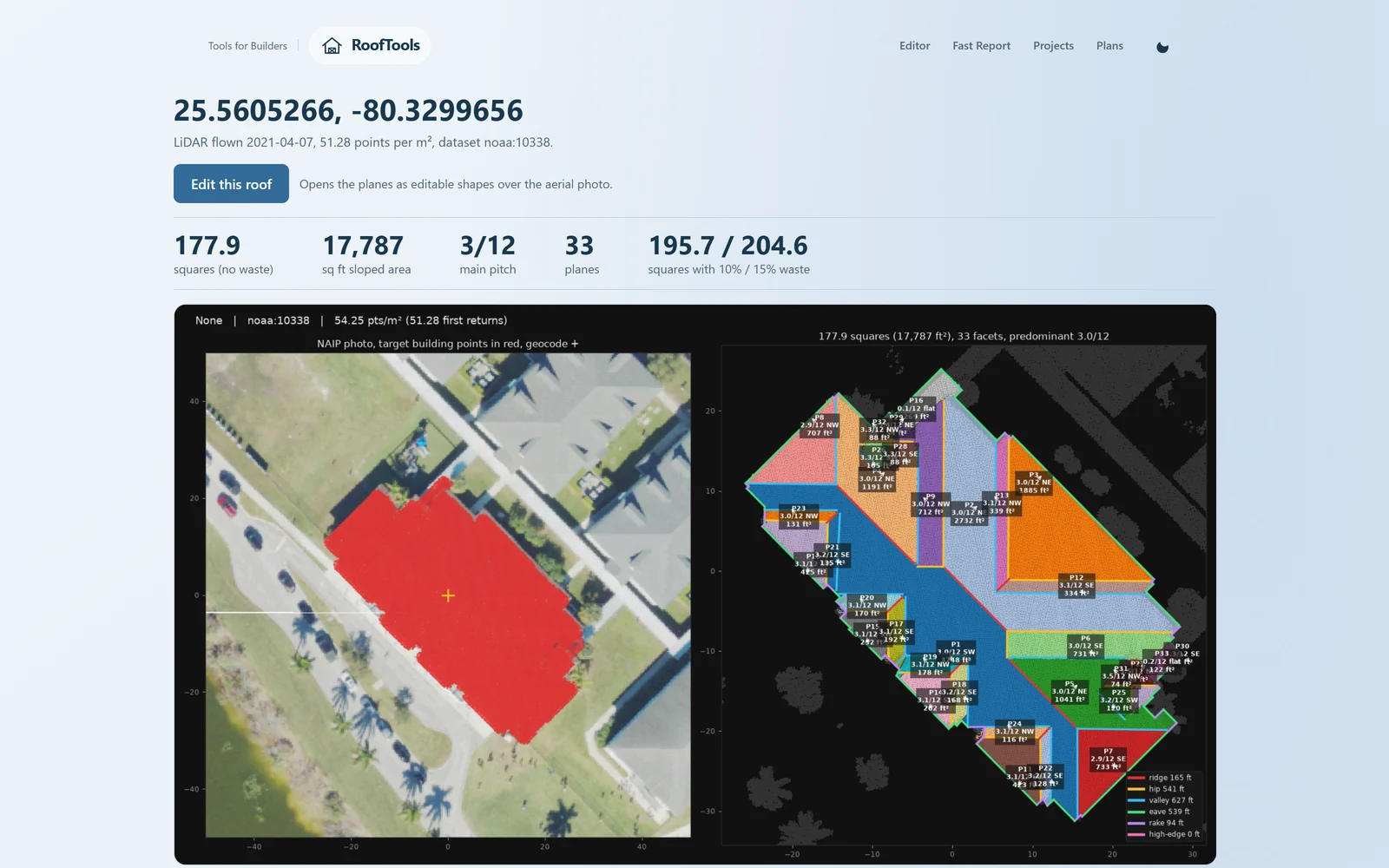
Measure the roof before you drive out
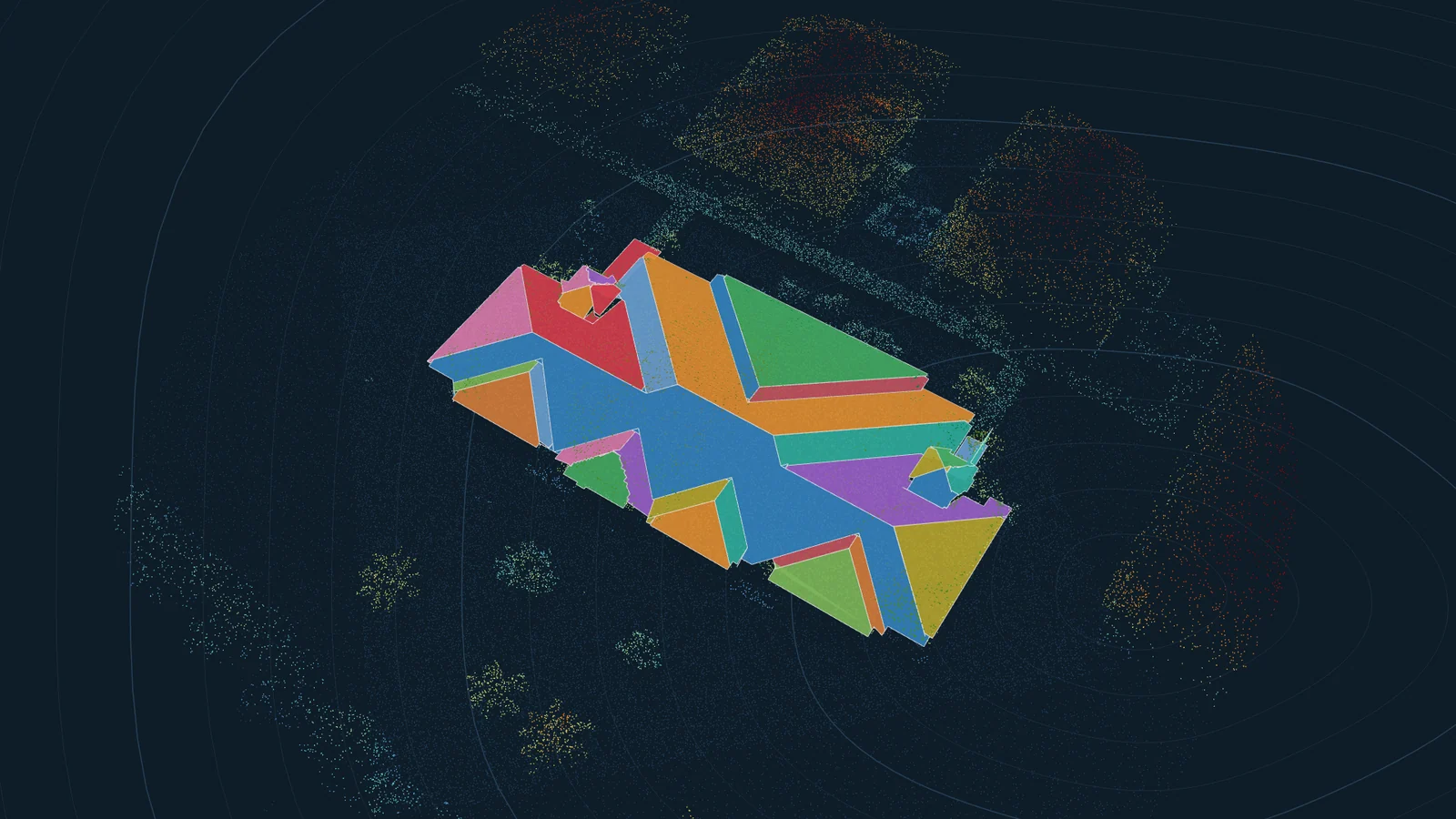
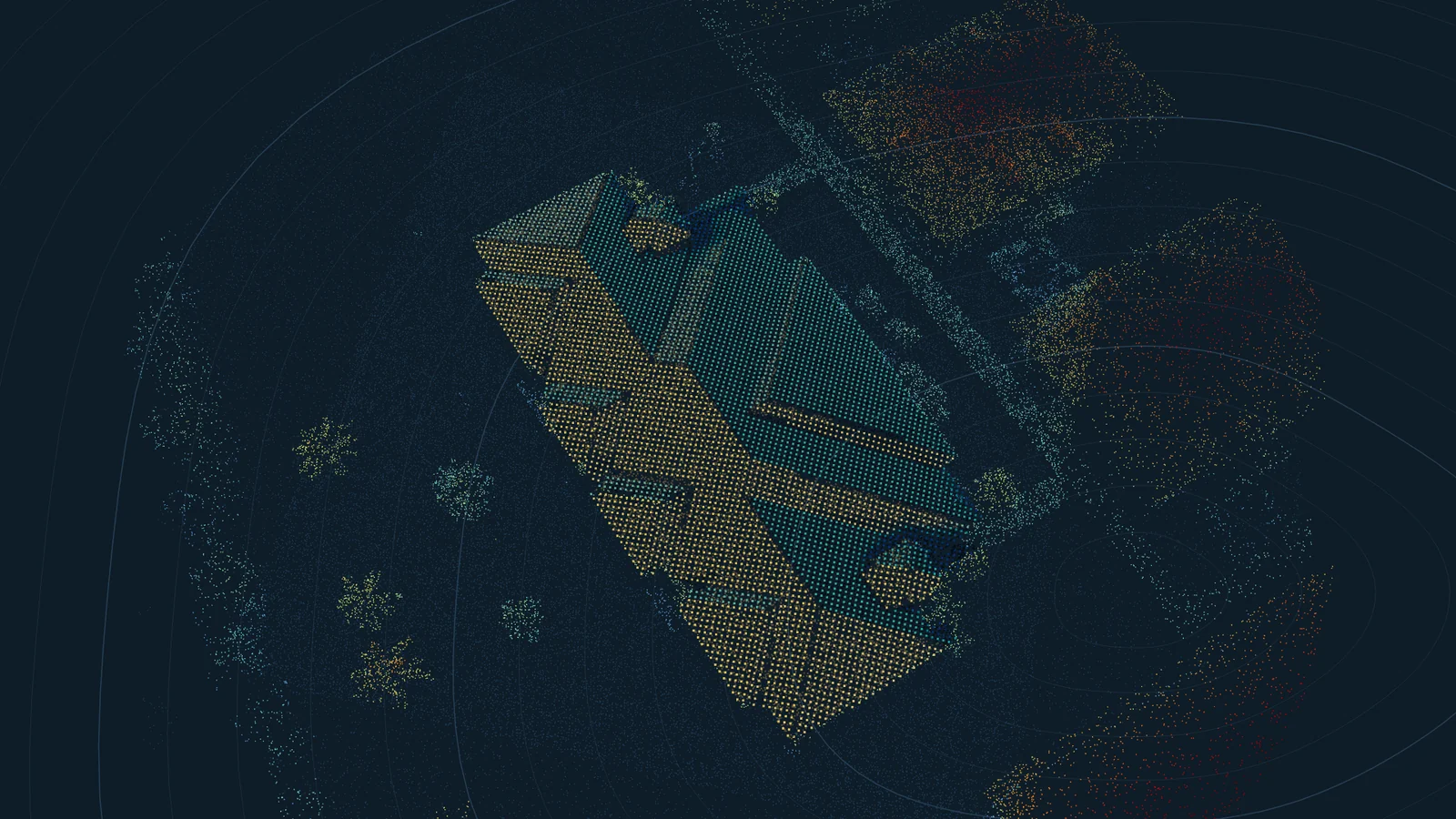
RoofTools finds the newest public LiDAR survey that covers the house. LiDAR is a laser scan flown over the area that records the height of the roof surface every few inches. RoofTools fits planes to those points and gives you each plane's pitch, direction and sloped area, the total in squares and the length of every ridge, hip, valley, rake and eave.
The report shows the squares with 10 and 15 percent waste beside the valley and hip lengths, so you can judge which waste the roof needs instead of using ten percent on everything. It prints the date the survey was flown and how dense its points are, so you know how fresh and how detailed the data is.
How close the numbers are
We checked RoofTools against paid EagleView, Roofr and RoofSnap reports. Total roof area came within 7.5 percent on all seven houses where the comparison was fair, with an average error of 5.1 percent, and the main pitch was within 1/12 on every one. The full comparison lists each house.
Small facets and edge totals are weaker. A little dormer can merge into the plane beside it, and ridge, hip and valley totals mostly come out short. That is why every measurement opens in an editor over the aerial photo: move a corner, change a pitch or redraw a plane, and the area and squares update as you go.
Turning squares into an order
RoofTools gives you the measurements. Counting and pricing the reroof materials inside the tool comes next, so for now the free calculators do that step. The shingle calculator turns the area and edge lengths into bundles, starter, ridge cap and underlayment rolls, the gutter calculator sizes the gutters and downspouts, and the roof pitch calculator converts pitch to degrees and the slope factor.
Solar from the same measurement
If you sell solar, or work alongside someone who does, the same planes feed the solar layout. RoofTools follows the sun through every hour of a typical year, works out where trees, the neighbors and other faces of the roof cast shade, and places panels on the sunniest faces inside the fire setbacks. It estimates the yearly production and prices the savings at the local utility's rates.
A roofer can quote the new roof and the panels on one visit, and a solar installer can see whether the roof should be replaced before the panels go on.
From the measurement to a signed job
JobTools is where the job runs once you have the numbers. Publish the proposal from RoofTools and it lands in JobTools as a draft with the measurements and pictures, or build it from your price book with good, better and best options, say a standard architectural shingle, a heavier designer line and the same with upgraded underlayment and ventilation, and send it as a link.
When the homeowner opens it, it goes to the top of your home page with the time and the device, and JobTools emails you, so you can call while they are still reading. They pick an option, add any extras and sign on their phone. The signed proposal becomes a job with the deposit invoice already made out.
Put the tear-off and the install on the schedule. Your crew sees the day's visits on their phones, ticks off the checklist, takes before and after photos, adds notes and clocks in and out, and it keeps working where the signal drops.
Getting paid and keeping the books
Send deposit, progress and final invoices from the job. Customers pay by card or by bank transfer (ACH), straight into your own Stripe account, and you record checks and cash as they come in. JobTools keeps track of what is still owed and sends your customers, items, invoices and payments to QuickBooks Online, so the books stay current without typing anything twice.
If your crews already photograph every job in CompanyCam, they keep doing it: photos, comments, checklists and notes come into JobTools, and crew photos and job notes go back. New work comes in from your website's contact form, from online booking and from the AI receptionist, which answers your business phone, offers times you are free and books estimate visits.
Free calculators
Start free
RoofTools and the calculators are free, and you can try Pro free for a month.
Questions
- Is RoofTools free?
- Yes. Measuring roofs from the address, editing the planes, sun and shade, and the solar layout and savings are free, however many roofs you measure.
- How accurate is a LiDAR roof measurement?
- On the seven houses we compared fairly with paid reports, total area came within 7.5 percent, with an average error of 5.1 percent, and the main pitch was within 1/12. Small planes and edge lengths are less reliable, so check them in the editor.
- What if the roof changed after the survey was flown?
- The measurement shows the roof as it was on the flight date, which the report prints. Check it against the aerial photo and redraw any plane that changed.
- Does it replace the site visit?
- No. Someone still has to check the decking, the rafters and, for solar, the electrical panel. RoofTools gives them a design to confirm instead of one to start.
- Can I bring my customers over from another system?
- Yes. JobTools imports customers from a spreadsheet, a Jobber export, a Salesforce export or your CompanyCam projects, and importing the same file twice adds nothing twice.
- Do my crew members need their own plan?
- No. You invite them from JobTools, they sign in with their own free account, and your Pro covers their seat.